

Introduction
Overview of AI in video editing
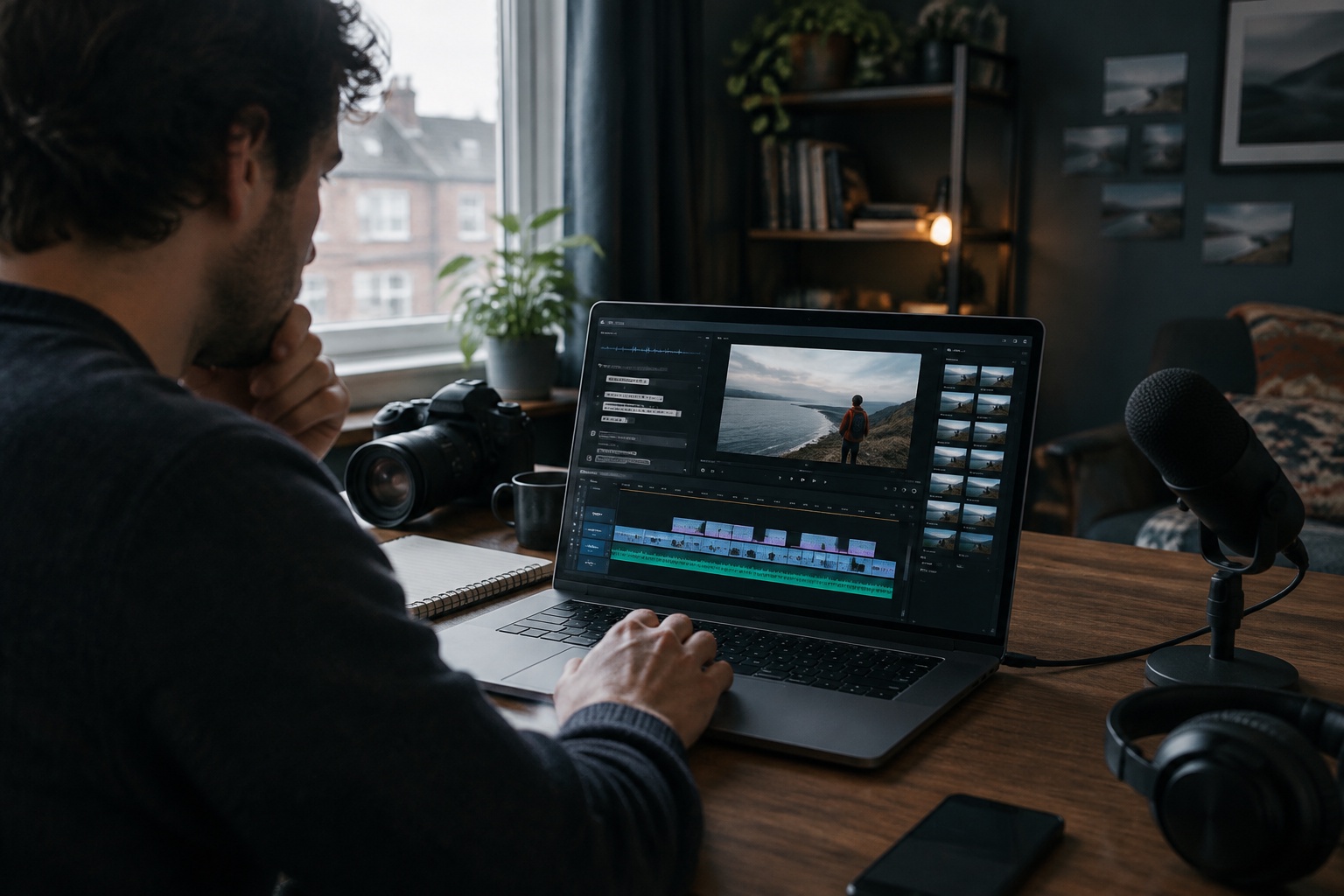
Video editor artificial intelligence refers to features in video editing software that use machine learning to understand footage and automate or assist editing tasks. AI can recognise speech, faces, objects, scenes, music beats and even emotions in a clip, then use that understanding to suggest cuts, add captions, improve audio or apply effects.
AI features now appear across the market, from professional applications such as Adobe Premiere Pro and DaVinci Resolve to mobile apps such as CapCut and browser-based tools such as Descript, Canva and Clipchamp. Generative AI tools such as Runway and OpenAI’s Sora go further, creating new video from text or images.
Importance of content creation
Video is central to how people use social media, with short-form formats such as Instagram Reels, TikTok and YouTube Shorts dominating feeds. Businesses, creators, charities and educators all need a steady flow of video to stay visible. The challenge is that video editing has traditionally been time-consuming and skilled work. AI is changing that, making it possible to produce more video, faster, with fewer specialist skills.
Evolution of video editing software
From manual editing to AI tools
Film editing began with physically cutting and splicing film by hand. Videotape brought linear editing, where footage was copied from tape to tape in sequence. The arrival of non-linear editing (NLE) software let editors arrange clips freely on a digital timeline, transforming professional workflows.
Consumer software then brought editing to home computers and phones, and cloud and mobile apps made editing possible anywhere. AI is the latest step: instead of telling software exactly what to do frame by frame, editors increasingly describe the result they want and let the software do much of the work.
Milestones in video editing technology
- Early film era: editing by physically cutting and joining film.
- Videotape era: linear tape-to-tape editing for television.
- Late 1980s and 1990s: digital non-linear editing systems such as Avid, followed by Adobe Premiere and Final Cut Pro.
- 2000s: consumer editors such as iMovie and Windows Movie Maker bring editing to home users.
- 2010s: mobile editing apps, YouTube and social video grow; early AI features such as auto-reframing and smart colour appear.
- Early 2020s: text-based editing, automatic captions and AI audio clean-up become mainstream; short-form apps such as CapCut add AI templates.
- Mid-2020s: generative video models such as Runway Gen-3 and Sora create new footage from prompts, and AI features spread across most video editing tools.
Features of AI-powered video editing tools
Automated editing functions
- Automatic transcription and captions in multiple languages.
- Text-based editing: edit video by editing its transcript.
- Silence and filler-word removal (“um”, “er”).
- Auto-reframe: resize landscape footage to vertical formats, keeping the subject in frame.
- Highlight detection: turn long videos into short clips.
- Beat sync: cut footage to the rhythm of music.
- Template-based edits for social media formats.
Intelligent scene detection
AI can analyse footage to detect scene changes, faces, objects, locations and actions. This makes it easier to find clips (“show me shots of the shopfront”), split long recordings into scenes automatically, track moving subjects and organise large libraries. Some tools also identify the most engaging moments based on speech, movement and expressions.
Enhanced visual effects
- Background removal without a green screen.
- Object removal and generative fill to clean up shots.
- Automatic colour correction and matching between clips.
- Upscaling, stabilisation and noise reduction.
- Slow motion through AI frame interpolation.
- AI audio enhancement, voice isolation and noise removal.
- AI voiceovers, dubbing and avatars.
- Generative video: creating new shots or B-roll from prompts.
Benefits of using AI in video editing
Time efficiency and productivity
AI handles repetitive tasks such as transcribing, captioning, cutting silences and resizing, which can take hours manually. Editors can focus on storytelling and creative decisions, and businesses can produce more video with the same resources. Repurposing is especially powerful: one long video can become several short clips for different platforms in minutes.
Accessibility for beginners
AI lowers the barrier to entry. Beginners can create polished videos using templates, automatic edits and simple text commands without learning complex timelines. Many free video editors now include AI features, so sole traders and small teams can create professional-looking content on a phone or laptop.
Automatic captions also make videos more accessible to deaf and hard of hearing viewers, and to the many people who watch social video with the sound off.
Quality improvement in final products
AI tools can improve technical quality that would otherwise require expensive equipment or expertise: clearer audio, balanced colour, steadier footage and sharper resolution. Consistent captions, branding and formatting make content look more professional. Human review remains essential, as AI can make odd cuts, mistranscribe names or produce unnatural effects.
AI video for small business social media
For small businesses, the aim is usually simple: regular, on-brand short videos that bring enquiries. SociGen helps businesses create Reels and Stories from their own photos and clips or from AI, write captions in their brand voice and schedule them to Facebook and Instagram alongside other posts. Its no-deadline free trial includes five text posts and up to ten AI image credits.
Future trends in AI video editing
Predictions for software development
- Conversational editing: describe changes in plain language and let the software apply them.
- Higher-quality generative video with better consistency, longer shots and more control.
- Personalised and localised versions of videos created automatically for different audiences and languages.
- Real-time AI effects during recording and live streaming.
- More on-device AI processing for speed and privacy.
Integration with other content creation tools
AI video editing is increasingly part of wider content platforms rather than a standalone step. Scripts written with AI chatbots flow into editors, editors connect to stock and music libraries, and finished videos go straight to social media schedulers with AI-written captions and hashtags. Expect closer links between video editing software, design tools, social media management platforms and analytics, so creators can plan, produce, publish and measure in one workflow.
Ethical considerations in AI usage
Content credentials initiatives such as C2PA aim to record how media was created and edited, helping audiences identify AI-generated video.
- Deepfakes and misinformation: realistic AI video can mislead; never present synthetic footage as real events.
- Consent: do not create or alter video of real people, including voice cloning, without permission.
- Copyright: check rights for music, footage and AI training sources; UK law on AI and copyright is under review.
- Transparency: label AI-generated or heavily altered video where it could mislead, and follow platform rules on AI content.
- Advertising standards: the ASA expects ads not to exaggerate product results using AI effects.
- Jobs and skills: AI changes editing roles, increasing demand for creative direction and review.
- Privacy: be careful uploading footage of customers, staff or children to third-party tools.
Frequently asked questions
What is video editor artificial intelligence?
AI features in video editing software that automate tasks such as captions, cutting, reframing, effects and audio clean-up.
What is the best free video editor with AI?
Popular options include CapCut, DaVinci Resolve, Clipchamp, Canva and Descript, each with different free features and limits.
Can AI edit videos automatically?
AI can produce automatic edits and highlights, but human review is still needed for quality, accuracy and storytelling.
Is AI video editing good for beginners?
Yes. Templates, automatic captions and text-based editing make it much easier to create polished videos.
Should AI-generated video be labelled?
Labelling is good practice where it could mislead, and platforms such as Meta, TikTok and YouTube have rules on AI content.
Explore the next step
Choosing a tool? Compare free AI video editors in our practical guide.
- AI video editor guide: free tools, pros and cons
- Current SociGen features and subscription inclusions
- Core and optional Email & CRM pricing
- How AVA Training in Belfast uses SociGen
- The introductory UK marketing automation guide
Sources and further reading
Product statements follow SociGen’s current feature catalogue. Examples are illustrations, not measured customer results. Check current official guidance for your own circumstances; this is not legal advice.