

By SociGen Editorial Team · · 16 min read
Discover the Power of AI Image Generator: Transform Your Creativity Today
Published · A plain-English guide for creators and UK businesses.
Quick answer
An AI image generator creates pictures from a written description, called a prompt. Type “a cosy café counter in morning light, watercolour style” and within seconds you get original images that match. Leading tools include Midjourney, ChatGPT’s image generation, Google Gemini, Adobe Firefly, Stable Diffusion and Canva. They are brilliant for ideas, illustrations and marketing visuals — as long as you use them honestly and check the rights and accuracy of what you publish.
Introduction
What is an AI image generator?
An AI image generator — sometimes called an AI art generator, AI picture maker or simply an AI generator — is software trained on very large collections of images and their descriptions. From that training it learns how words relate to visual features such as shapes, textures, lighting and style. When you give it a prompt, it builds a brand-new image that fits the description rather than searching for an existing one.
Most modern tools can also:
- Edit existing photos — change backgrounds, remove objects, extend the frame.
- Transform images — turn a photo into an illustration or apply a new style.
- Create variations — several versions of an idea to choose from.
- Upscale — increase resolution for print or large screens.
Brief history of AI image generation
- 1960s–2000s: artists experiment with rule-based computer art, such as Harold Cohen’s AARON program.
- 2014: generative adversarial networks (GANs) are introduced, letting computers produce increasingly realistic faces and scenes.
- 2015: Google’s DeepDream turns photos into dream-like patterns and brings AI imagery to public attention.
- 2021: OpenAI’s DALL·E shows that images can be created from ordinary text descriptions.
- 2022: DALL·E 2, Midjourney and the open-source Stable Diffusion launch, and AI art goes mainstream.
- 2023 onwards: image generation is built into everyday tools — chat assistants, design apps, phones and marketing platforms — with much better realism, hands and in-image text.
Understanding AI image generators
How AI image generators work
Most current tools use a process called diffusion. In simple terms:
- 1. Learning: during training, the model sees millions of images with captions. It practises adding random “noise” to images and then learning to remove it.
- 2. Understanding your prompt: a language model converts your words into a numerical representation of their meaning.
- 3. Starting from noise: generation begins with a canvas of random static.
- 4. Refining step by step: the model removes noise in many small steps, each time nudging the picture closer to your description.
- 5. Finishing: the result is decoded into a full-resolution image, often with upscaling and safety checks.
Because each generation starts from different random noise, the same prompt gives different results every time — which is why generators usually offer several options at once.
Key technologies behind AI image generation
- Diffusion models: the main engine behind today’s artificial intelligence generated images.
- Transformers and text encoders: the same family of technology behind chat assistants, used to understand prompts.
- Latent space: working in a compressed version of the image to make generation fast enough for everyday use.
- GANs: an earlier approach, still used for some upscaling and face tasks.
- Fine-tuning and reference images: teaching a model a particular product, person, style or brand so results stay consistent.
- Content credentials: standards such as C2PA that label images as AI-generated or edited.
Popular AI image generators
Overview of leading AI art generators
| Tool | Strengths | Best for |
|---|---|---|
| Midjourney | Highly artistic, stylised images with strong composition | Concept art, mood boards, striking visuals |
| ChatGPT image generation (OpenAI) | Follows detailed instructions conversationally; good at text in images | Quick iterations, illustrations, edits by chat |
| Google Gemini image models | Fast generation and conversational editing of existing photos | Editing photos, consistent characters, everyday visuals |
| Adobe Firefly | Built into Photoshop and Express; designed for commercial use | Designers already using Adobe; brand-safe work |
| Stable Diffusion & FLUX (open models) | Open models you can run or fine-tune yourself; huge community | Technical users who want control and customisation |
| Canva AI image tools | Generation inside an easy design editor with templates | Non-designers making social graphics and flyers |
Features and plans change quickly; check each tool’s official site for current pricing and usage terms.
Features and benefits
- Speed: dozens of ideas in minutes instead of days.
- Cost: far cheaper than commissioning every visual from scratch.
- Range: photography, illustration, 3D, painting and pixel art from one tool.
- Editing by description: “make the background a beach at sunset” instead of hours of manual work.
- Accessibility: people without design training can create usable visuals.
Use cases
- Social media graphics and post backgrounds.
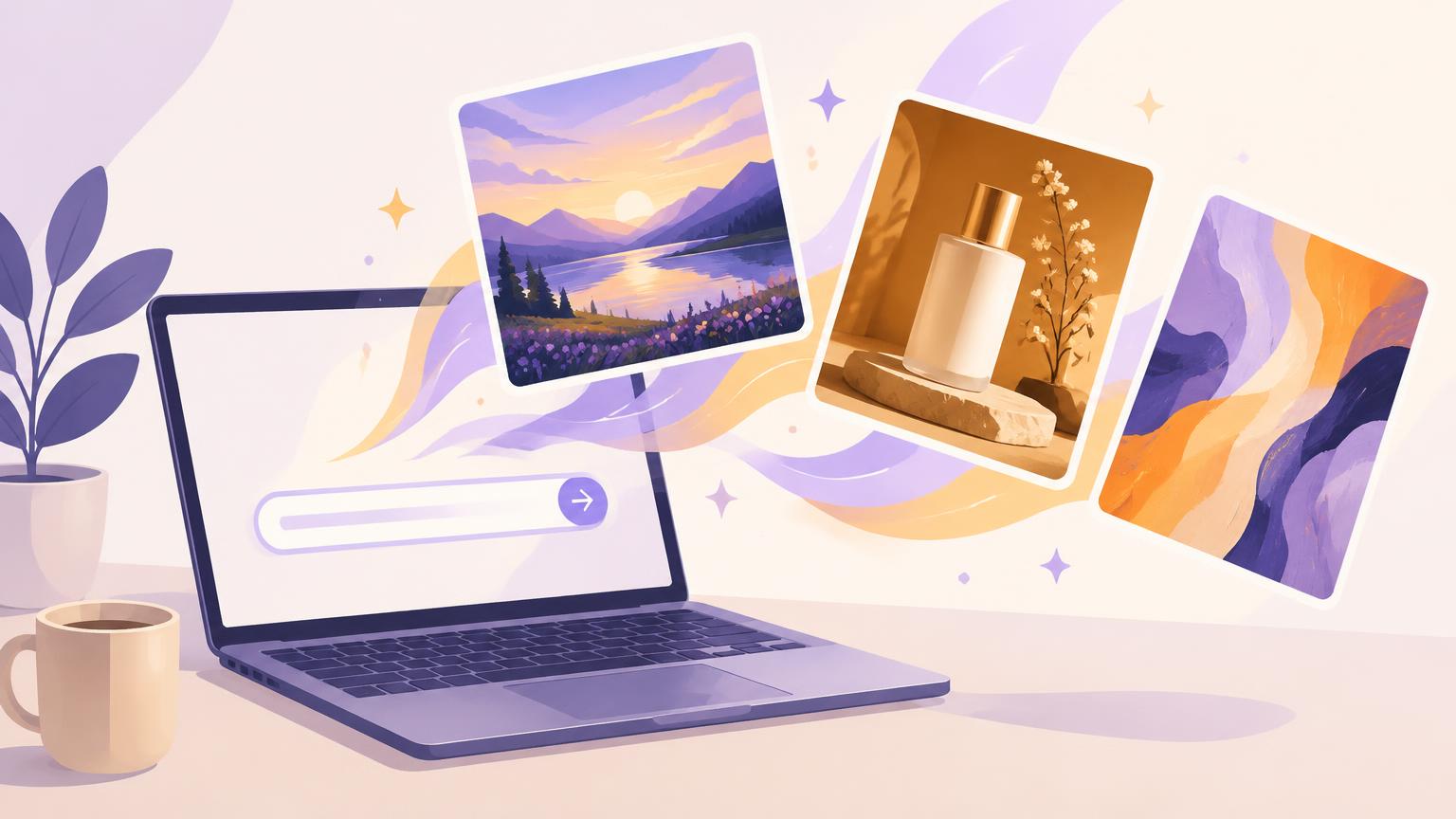
- Blog headers and website illustrations (like the image at the top of this article).
- Product mock-ups, lifestyle scenes and packaging concepts.
- Storyboards, mood boards and concept art.
- Personalised cards, invitations and gifts.
How to write a great prompt
Better prompts give better results. Build them from these parts:
| Prompt part | Example |
|---|---|
| Subject | a ceramic coffee mug on a wooden café counter |
| Setting & mood | morning light, cosy independent coffee shop in Belfast |
| Style | natural lifestyle photography / flat vector illustration / watercolour |
| Composition | close-up, shallow depth of field, space on the left for a headline |
| Colours | warm neutrals with a deep green accent matching our brand |
| Format | portrait 4:5 for Instagram feed / 9:16 for Stories and Reels |
| Exclusions | no text, no logos, no people |
Start simple, then refine one thing at a time. If you need words on the image — a headline or offer — it is often more reliable to add them afterwards in a design tool than to ask the generator to spell them.
Applications of AI-generated images
In the art world
Artists use AI as a sketchbook, a collaborator and a medium in its own right. Some generate dozens of compositions before painting by hand; others build entire works and exhibitions around AI processes. A digital art AI platform can open up experimentation, but it has also sparked serious debate about authorship, originality and how training data was gathered — debates that are still being worked out in courts and galleries.
Marketing and advertising
For businesses, the biggest value of an AI image generator is keeping up with the demand for fresh visuals — especially on social media. Practical uses include:
- Branded social graphics — your colours, logo and headline around a strong image.
- Seasonal and campaign visuals — Christmas, summer sales, events — without a new photoshoot.
- Ad variations — several creative options to test which performs best.
- Lifestyle scenes — placing a real product photo into a new setting.
- Blog and email imagery — headers that match each topic.
A caution for marketers: customers notice generic, obviously artificial images, and they can damage trust if they misrepresent your products, premises or results. The strongest approach is to keep real photos of your products, team and work at the centre, and use AI to enhance, extend and brand them.
That is the approach SociGen takes. Its brand designs start from your own photo and wrap it in a layout using your colours, logo and key post text, sized correctly for each platform. Media Studio can generate and edit images when you need something new, and everything is saved to your media library ready to schedule. See SociGen’s features and our guide to AI content creation for Instagram.
Personal projects
- Illustrations for children’s stories and family books.
- Custom wallpapers, avatars and profile pictures.
- Visualising a room makeover or garden design.
- Party invitations and greeting cards.
- Learning about art styles by exploring them in prompts.
Using AI images responsibly
- Check usage rights: read each tool’s terms for commercial use; they differ.
- Don’t imitate real people or brands: avoid generating identifiable people, trademarks or living artists’ signature styles without permission.
- Be truthful: never use AI images to show products, results or premises that don’t exist. UK advertising rules (the CAP Code) still apply to AI-generated ads.
- Label where appropriate: some platforms, including Meta, label or ask you to disclose realistic AI-generated content.
- Review every image: look for odd hands, warped text, extra fingers and inaccurate details before posting.
Future of AI image generation
Trends to watch
- Image and video together: the same tools increasingly create short videos and animations from images.
- Brand consistency: better control of colours, characters and products across many images.
- Conversational editing: refining images by chatting, rather than rewriting prompts.
- Built-in everywhere: generation inside phones, office apps and marketing platforms.
- Provenance labels: wider use of content credentials so viewers can see how an image was made.
Potential ethical concerns
- Copyright and training data: whether artists’ work was used fairly is still being debated and litigated, including in the UK.
- Deepfakes and misinformation: realistic fake images of people and events can mislead.
- Bias: models can reproduce stereotypes from their training data.
- Impact on creative jobs: illustrators and photographers face real changes to their work.
- Environmental cost: training and running large models uses significant energy.
Using AI image generators well means enjoying the creative boost while respecting people, rights and the truth.
Frequently asked questions
What is the best AI image generator?
It depends on your goal: Midjourney for artistic visuals, ChatGPT or Gemini for conversational creation and editing, Adobe Firefly for commercial design work, and Canva for quick social graphics.
Can I use AI-generated images commercially?
Often yes, but it depends on the tool’s terms and what the image shows. Check the licence and avoid real people, logos and misleading content.
Are AI images copyrighted in the UK?
UK law has a provision for computer-generated works, but how it applies to modern AI is being reviewed. Take advice for high-value uses.
How do I make AI images look less artificial?
Start from real photos where you can, describe natural lighting and settings, avoid over-polished styles, and edit the result.
Final thoughts
AI image generators have turned “I wish I had a picture of…” into a few seconds’ work. Whether you are an artist exploring new ideas, a parent making a storybook or a business filling a content calendar, they can genuinely transform your creativity. Start with a clear prompt, refine as you go, and keep honesty and real-world quality at the heart of what you share.