

Introduction
What is an AI image generator?
An AI image generator is software that creates new images from instructions, usually a written description called a prompt. Type “a cosy independent bookshop on a rainy Belfast street at dusk, warm window light” and the generator produces an original image matching that description. Many tools also edit existing images, change styles, extend backgrounds or create variations.
Unlike a stock photo library, an AI image generator does not search for an existing picture. It creates a new image based on patterns it learned from large collections of images and their descriptions.
Brief history of image generators
Computer-generated images go back decades, from early algorithmic art to procedural graphics in games and films. Machine-learning image generation took off in 2014, when researchers introduced generative adversarial networks (GANs), which could produce increasingly realistic faces and scenes.
Around 2021 and 2022, text-to-image models brought the technology to the mainstream. OpenAI’s DALL·E, Midjourney and the open-source Stable Diffusion, based on latent diffusion research, showed that anyone could create detailed images from text. Since then, image generators have been built into design tools, search engines, chat assistants, phones and social media platforms, and quality, text rendering and editing control have improved rapidly.
The technology behind AI image generators
How AI algorithms create images
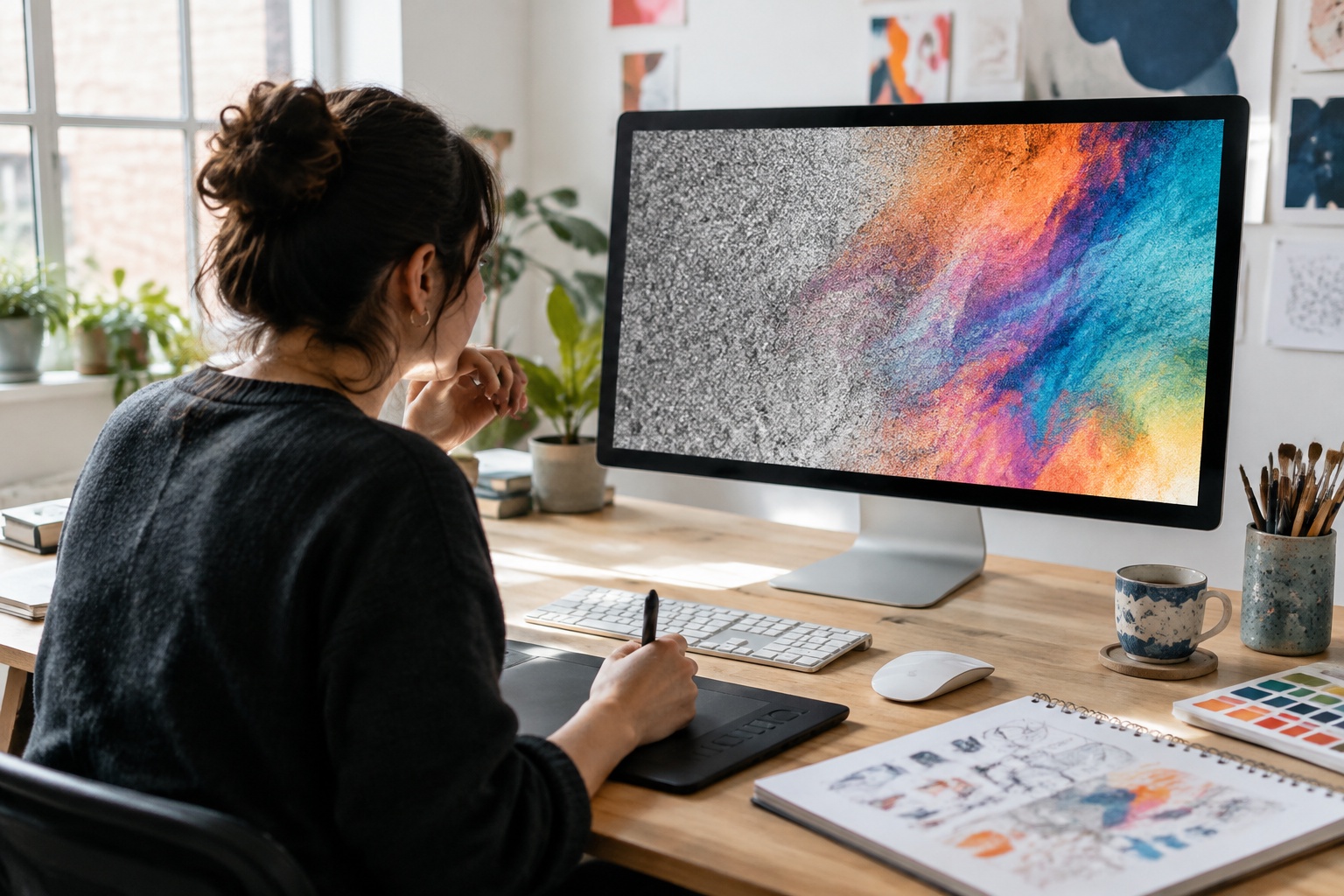
Most modern AI image generators use diffusion models. During training, the model sees huge numbers of images paired with text descriptions. Noise is gradually added to each image until it becomes random static, and the model learns to reverse the process, predicting how to remove noise step by step.
When you enter a prompt, a text encoder turns your words into a numerical representation of their meaning. The generator starts from random noise and repeatedly removes noise, guided by your prompt, until a clear image emerges. Settings such as image size, number of steps, guidance strength and a random “seed” influence the result, which is why the same prompt can produce different images.
Different types of image generators
Older approaches such as GANs and autoencoders are still used for specific tasks, while newer multimodal models combine text and image understanding in one system.
- Text-to-image: creates images from written prompts.
- Image-to-image: transforms an existing image, such as changing style or setting.
- Inpainting and outpainting: edits part of an image or extends it beyond its edges.
- Upscalers and enhancers: increase resolution and sharpen detail.
- Background removal and replacement: isolates products or people.
- Style and character tools: keep a consistent style, product or character across images.
- Design generators: combine images with text, layouts and brand elements for social posts and adverts.
Benefits of using an AI image generator
Enhancing creativity
AI image generators make it easy to explore ideas visually. You can try dozens of concepts, styles, colour palettes and compositions in minutes, then refine the best. Designers use them for mood boards and concept art, marketers for campaign ideas and small businesses for visuals they could not otherwise produce. Used well, AI can be a creative starting point rather than a replacement for human judgement.
Time efficiency
Creating an image from scratch, arranging a photoshoot or searching stock libraries can take hours. An AI image generator produces options in seconds, and many tools can resize images for different platforms or create variations for testing. For social media, where businesses need a steady stream of fresh visuals, that time saving is significant.
Accessibility
You no longer need design software skills or a large budget to create professional-looking visuals. Free AI image generators and simple interfaces mean sole traders, charities, students and community groups can create images for posts, presentations and websites. Some tools also support accessibility by generating images to illustrate concepts or helping write alternative text.
Top free AI image generators
Features of a free AI image generator
Free AI image generators vary widely. Check limits and terms before relying on one, as free tiers and policies change frequently.
- Usage limits: daily or monthly image allowances, or credit systems.
- Image quality and resolution.
- Styles and editing tools, such as inpainting and upscaling.
- Watermarks on free images.
- Commercial use rights in the terms of service.
- Privacy: whether prompts and images are public or used for training.
- Content filters and safety controls.
- Account requirements.
Review of popular options
Below are popular free or free-tier options. Features and limits change, so check each tool’s current terms.
Perchance AI image generator
The Perchance AI image generator is a free, browser-based text-to-image tool hosted on Perchance, a platform for creating random generators. It is popular because it is easy to use without signing up and offers a range of art styles. As with any free tool, check the terms for commercial use, be aware that results can be inconsistent and avoid generating images of real people or trademarked characters.
Other notable free tools
For businesses that want images ready for social media, SociGen can generate on-brand images and branded designs alongside captions, plan them on a content calendar and schedule them to Facebook and Instagram. Its no-deadline free trial includes five text posts and up to ten AI image credits.
- Microsoft Designer and Bing Image Creator: free image generation with a Microsoft account.
- ChatGPT: image generation inside a chat assistant, with limits on free accounts.
- Google Gemini: image creation and editing through Google’s assistant.
- Canva: AI image tools inside a design platform, with limited free use.
- Adobe Firefly: free credits, trained on licensed and public domain content.
- Leonardo AI and Ideogram: free daily credits; Ideogram is known for text in images.
- Stable Diffusion: open-source models you can run on your own computer.
Future trends in AI generated images
Evolving capabilities
- More realism and better rendering of hands, faces and text.
- Precise editing through conversation, such as “make the background brighter”.
- Consistent characters, products and brand styles across images.
- Closer links between image, video and 3D generation.
- Built-in generation in phones, cameras, design and social apps.
- Content credentials that label AI generated images.
Implications for artists and designers
AI image generators are changing creative work. Some routine tasks, such as simple stock imagery and quick concepts, are increasingly automated, while demand grows for skills such as art direction, prompt writing, editing, brand consistency and original photography. Many artists use AI as one tool among many; others have raised concerns about their work being used for training without consent or payment. The relationship is still evolving, and businesses should value genuine creative expertise.
Ethical considerations
Initiatives such as the Coalition for Content Provenance and Authenticity (C2PA) are developing content credentials that record how an image was made, helping people identify AI generated images.
- Copyright: UK law on AI training and ownership of AI generated images is under review; avoid copying artists’ styles, characters or trademarks.
- Consent: do not create images of real people without permission.
- Misinformation: realistic fakes can mislead; never present AI images as real events.
- Transparency: consider labelling AI generated images, especially in advertising, and follow platform rules.
- Advertising standards: the ASA expects ads not to mislead, including about products shown in AI images.
- Bias: AI can reflect stereotypes in training data, so review images for fair representation.
- Privacy: avoid uploading confidential or personal images to tools that may store or share them.
Frequently asked questions
What is an AI image generator?
Software that creates new images from text prompts or existing images using machine-learning models.
Is there a free AI image generator?
Yes. Options include Perchance, Microsoft Designer, ChatGPT, Gemini, Canva, Adobe Firefly and Leonardo AI, usually with limits.
How do AI image generators work?
Most use diffusion models that start with random noise and remove it step by step, guided by your prompt.
Can I use AI generated images commercially?
It depends on the tool’s terms. Check commercial rights and avoid real people, trademarks and copyrighted characters.
Should I label AI generated images?
Labelling is good practice, especially in ads or realistic images, and some platforms require it.
Explore the next step
Ready to create? Follow our step-by-step AI image maker tutorial.
- AI image maker guide: step-by-step tutorial
- Current SociGen features and subscription inclusions
- Core and optional Email & CRM pricing
- How AVA Training in Belfast uses SociGen
- The introductory UK marketing automation guide
Sources and further reading
Product statements follow SociGen’s current feature catalogue. Examples are illustrations, not measured customer results. Check current official guidance for your own circumstances; this is not legal advice.
- Goodfellow et al. (2014): Generative adversarial networks
- Rombach et al. (2021): High-resolution image synthesis with latent diffusion models
- OpenAI: DALL·E 3
- Perchance: AI text-to-image generator
- C2PA: Coalition for Content Provenance and Authenticity
- GOV.UK: copyright and artificial intelligence consultation